Gemini Online:AI Image Generator
Unlock the power of Gemini Online to bring your concepts to life. A simple text prompt delivers vivid, detailed images that make your design stand out.

Transform Words Into Masterpieces
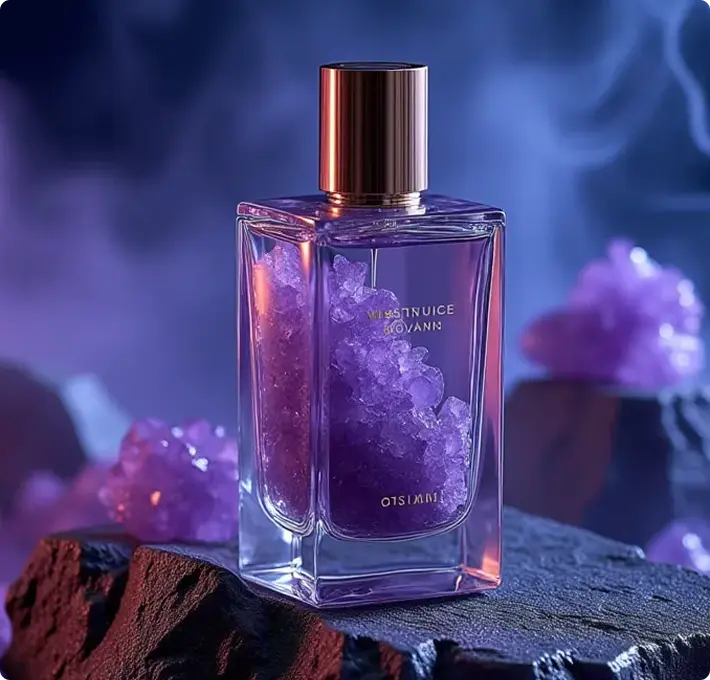
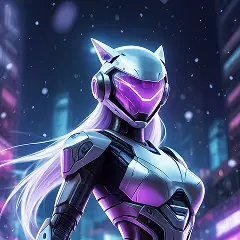
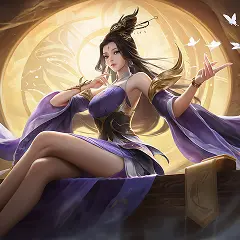
Turn your ideas into captivating images with just a few words, thanks to the AI Image Generator. The Text to Image tool in this AI platform allows you to select from a wide range of artistic styles—from traditional paintings to futuristic, high-tech designs—all generated by AI. You can customize your creation by adjusting color schemes, lighting, and textures within the AI Image Generator, crafting a truly unique image in minutes. Every customization is guided by AI, which ensures that the images stay consistent with your style while adding subtle details that make them stand out. The AI Image Generator turns simple text into images that feel personal and professional, all because of AI’s ability to understand and interpret your vision.
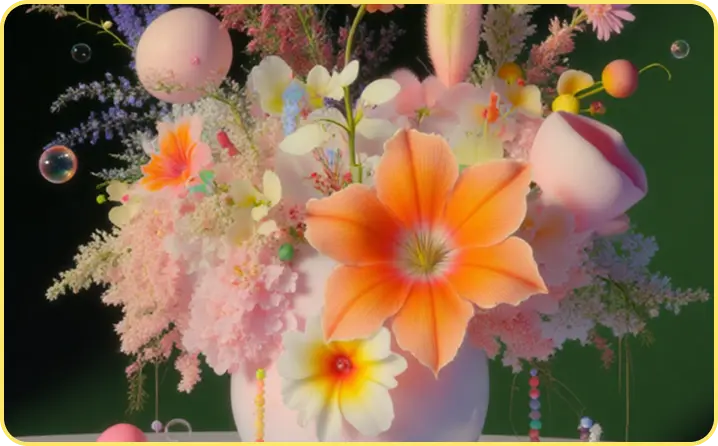
Explore Diverse Aesthetics, Find Your Signature Style
Endless Artistic Explorations Break free from creative limitations and discover a universe of artistic possibilities. Our AI image generator boasts an expansive library of styles, from classic oil painting and cyberpunk futurism to minimalist graphics and intricate fantasy art. Don't settle for generic visuals; experiment with different moods, eras, and artistic movements to find the perfect aesthetic for your project. With each prompt, explore fresh perspectives and unique interpretations, allowing you to develop a distinctive visual language and build a strong, recognizable brand identity that truly stands out.

Accelerate Your Workflow, Maximize Output
Boost Your Productivity with AI Say goodbye to design bottlenecks and welcome unprecedented speed. Our AI image generator rapidly transforms your text prompts into diverse, high-quality visuals, enabling you to produce an abundance of content in a fraction of the time. Whether you're a marketer needing dozens of ad creatives, a blogger requiring unique post headers, or an e-commerce owner creating product mockups, this tool empowers you to scale your visual output effortlessly.
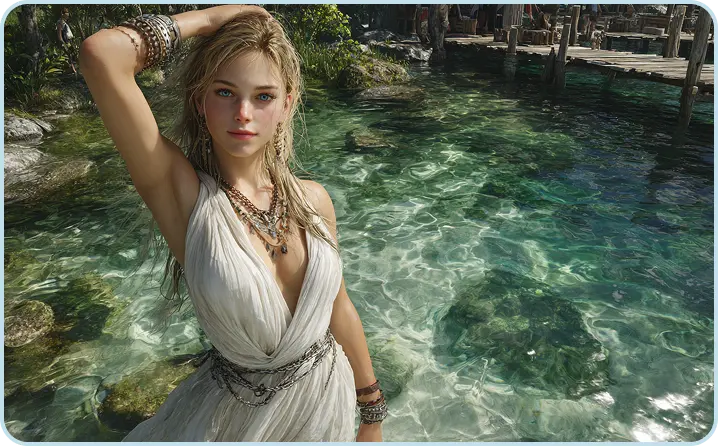
Precision Control, Uncompromised Vision
Your Vision, Brought to Life with Precision Don't just generate images—sculpt them. Our platform goes beyond basic text-to-image, offering advanced controls to ensure your final creation perfectly matches your vision. Manipulate composition, fine-tune specific elements with inpainting, or seamlessly blend generated content with your existing assets. Adjust camera angles, lighting conditions, and depth of field to achieve a professional aesthetic. With an intuitive interface, you have the power to iterate, refine, and perfect every detail, ensuring your AI-generated images are not just good, but exactly what you envisioned.
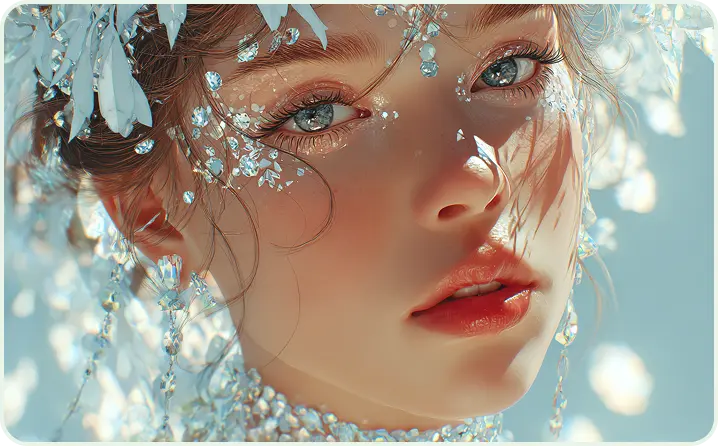
Commercial Confidence, Ethical Creation
Create and Commercialize with Certainty Leverage the power of AI without the worry. Our AI image generator is built on a foundation of ethical practices and legal compliance, utilizing models trained exclusively on licensed and public domain datasets. This means every image you create is not only unique but also comes with the assurance of clear commercial usage rights, freeing you to integrate them into your products, campaigns, and client work without legal concerns. Focus on innovation and creativity, knowing that your visual assets are ethically sourced and ready for the global marketplace.
How to Create AI-Generated Images
Follow these simple steps to create stunning AI-generated images with ease using the online AI Image Generator.
Step 1: Access the AI Image Generator
To begin, sign up for a free account or log in to your existing one. Navigate to the Text to Image section to start using the AI Image Generator—the heart of this AI-driven image creation tool. This step is crucial because it’s how you unlock the full potential of the AI Image Generator and start generating images with AI.
Step 2: Craft Your Text Prompt
Type a clear and detailed description of the image you want to create. Aim for five words or more to help define the scene. For example, "a futuristic city skyline at dusk." Add extra details like atmosphere, colors, or artistic style to help shape your results.
Step 3: Generate Your Image
Click the "Generate" button and watch as the AI creates four different images based on your prompt. If you want a specific theme or style, upload an image or sketch for reference and regenerate new variations tailored to your preferences.
Step 4: Refine and Customize
Fine-tune your image by adjusting the prompt or making specific edits to the settings. Once you’re happy with the result, you can use the image for various projects such as social media, websites, or presentations. Download, share, or save the image directly to your device.
Why Choose Gemini Online?
The unique benefits of our platform make personalized figure creation available to all.
Speed & Efficiency
Generate a month's worth of visuals in minutes, not hours or days. Eliminates the traditional wait time of design or photography.
Cost Reduction
Save significantly on hiring designers, photographers, or purchasing expensive stock photo subscriptions.

Unlimited Creative Possibilities
Easily visualize ideas that are too complex, fantastical, or specific to find in a stock library

Elite models, instantly available.
Bring your vision to life with simple text prompts—no knowledge of Photoshop or complex design software required.
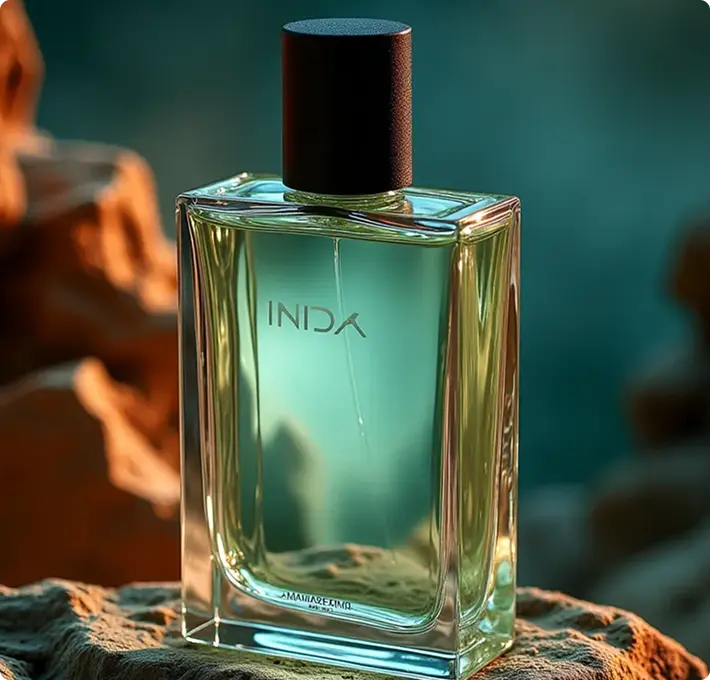
Top-Tier Models at Your Fingertips
Our newest partner models ensure you can tackle any creative challenge, from images to videos. No more lost time bouncing between apps or searching for the right fit.
FAQs about AI Image Generator
Find answers to common questions about using our platform and maximizing its capabilities for your creative projects.
What is an AI Image Generator?
An AI Image Generator allows users to create visual content by providing simple inputs, such as a text prompt. These generators rely on generative AI models, which are trained on vast datasets of diverse visual data. This training enables the AI in the AI Image Generator to "learn" how to generate images based on different styles, patterns, and contexts. The AI Image Generator is more than just a tool—it’s a way to harness AI’s power to create images that would otherwise take hours to design manually.
How Does Text to Image Work?
Text to Image AI generators—like the AI Image Generator—operate similarly to other AI technologies, utilizing machine learning models and vast datasets to generate images. Essentially, the AI in the AI Image Generator "learns" from thousands of images and applies this knowledge to interpret the text you provide. It then creates entirely new visuals based on the language and context you input. The current model of the AI Image Generator is trained on a mix of licensed images, publicly available works, and content in the public domain where copyright has expired—ensuring AI generates legal, high-quality images.
Are AI-Generated Images Available for Commercial Use?
Yes, images created with AI features of the AI Image Generator that are out of beta can be used commercially. For features still in beta, you can generally use the generated images for commercial purposes, unless explicitly stated otherwise in the product terms or a specific agreement. The AI Image Generator is designed to support both personal and commercial projects, so you can use its AI-generated images with confidence for client work, marketing, or any other commercial endeavor.
What if I’m not satisfied with the transformation results?
We suggest refining your prompt for more clarity, experimenting with different transformation strength levels, or generating multiple variations. If needed, our support team is here to assist in optimizing your results.
How long does the transformation take?
Typically, transformations finish within seconds, though more intricate changes may take up to a minute. You can also generate multiple outputs at once to quickly explore various options.
What types of prompts work best?
Detailed, specific prompts that describe style, composition, lighting, and subject matter yield the best results. The more information you provide about your desired image, the more accurately the AI can interpret your vision.
Are there any limitations to using AI Image Generator?
While our platform excels at a wide range of image styles and concepts, extremely abstract or ambiguous prompts may produce varied results. Additionally, all users must adhere to our content policies prohibiting inappropriate or harmful content generation.
How does Image to Image differ from Text to Image generation?
Image to Image uses your existing image as a starting point, maintaining its core structure while applying transformations. Text to Image creates completely new images from text descriptions with no visual reference point.